 Cupid
Cupid

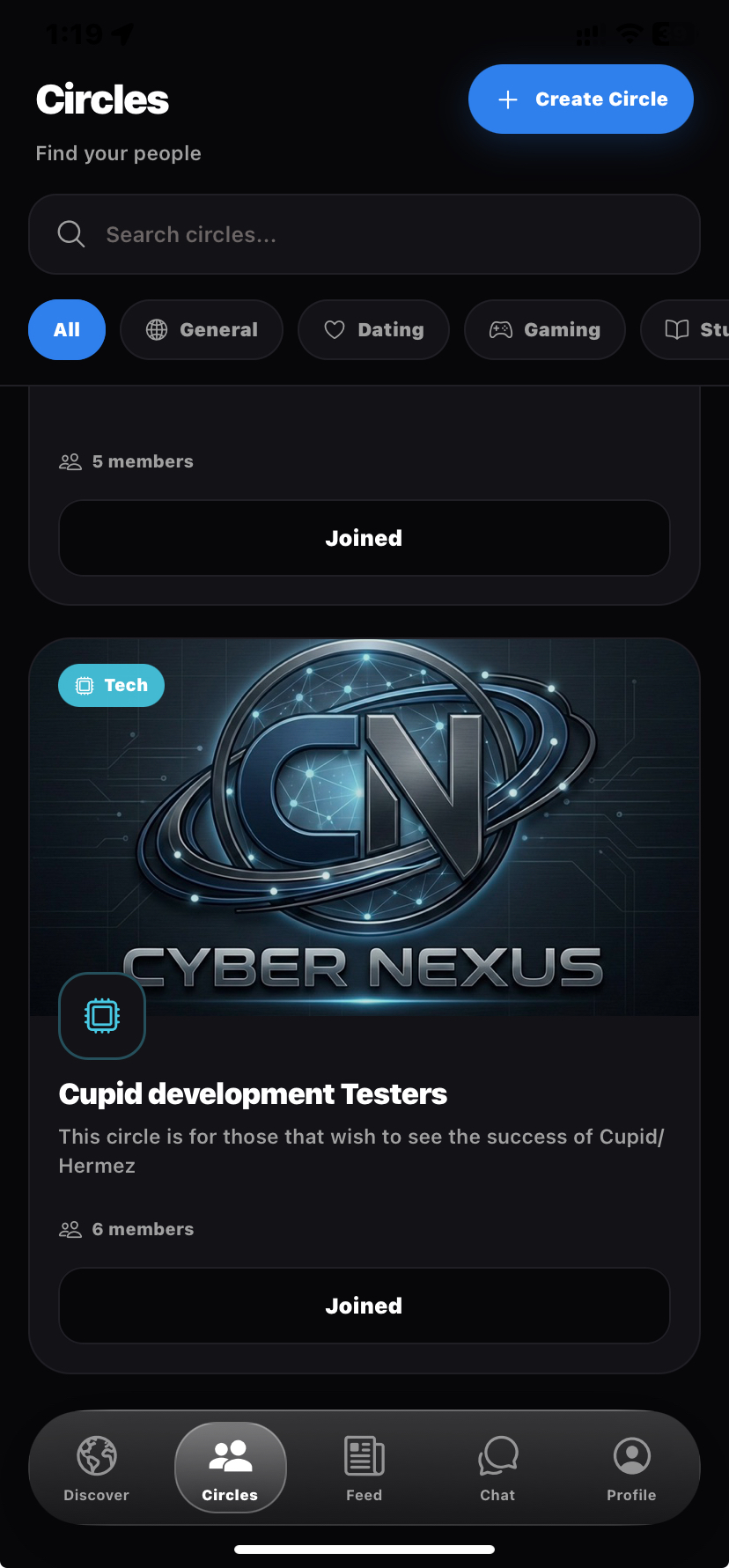
Circles
Join interest-based communities for gaming, study, hangouts, and more — then post and meet people already in your world.
Cupid helps you find friends, study partners, and communities through shared interests — with sparks, circles, and conversation instead of empty swiping.
Note: Your browser may show a "File might be harmful" warning. This is standard for direct APK downloads outside the Play Store.
Features
Interest-based discovery, lightweight signals, and community spaces — designed to feel social without the pressure of a pure dating feed.
Join interest-based communities for gaming, study, hangouts, and more — then post and meet people already in your world.
Send a clear, low-pressure signal — same vibe, study buddy, game later — instead of a generic like that goes nowhere.
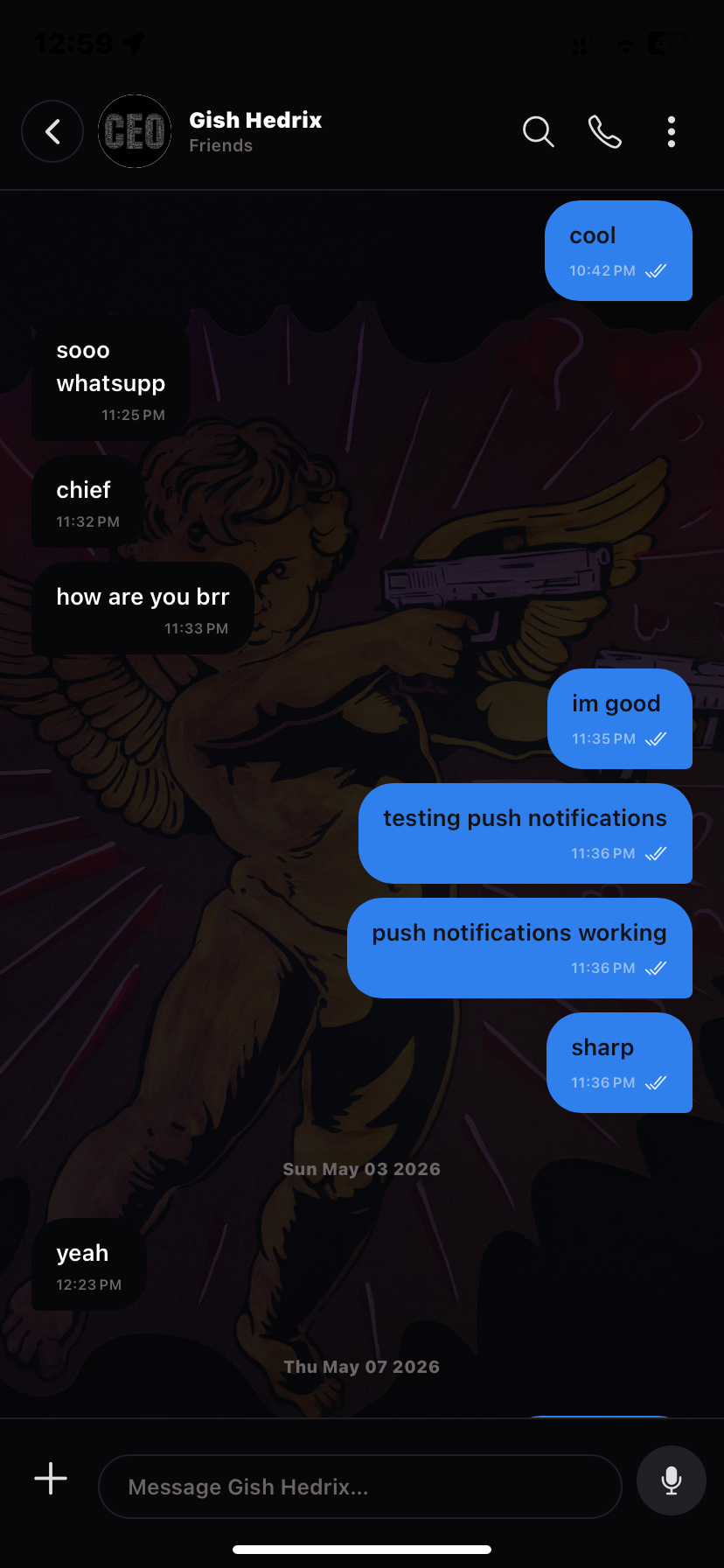
Share updates with friends or your circles. Keep the conversation going after the first hello.
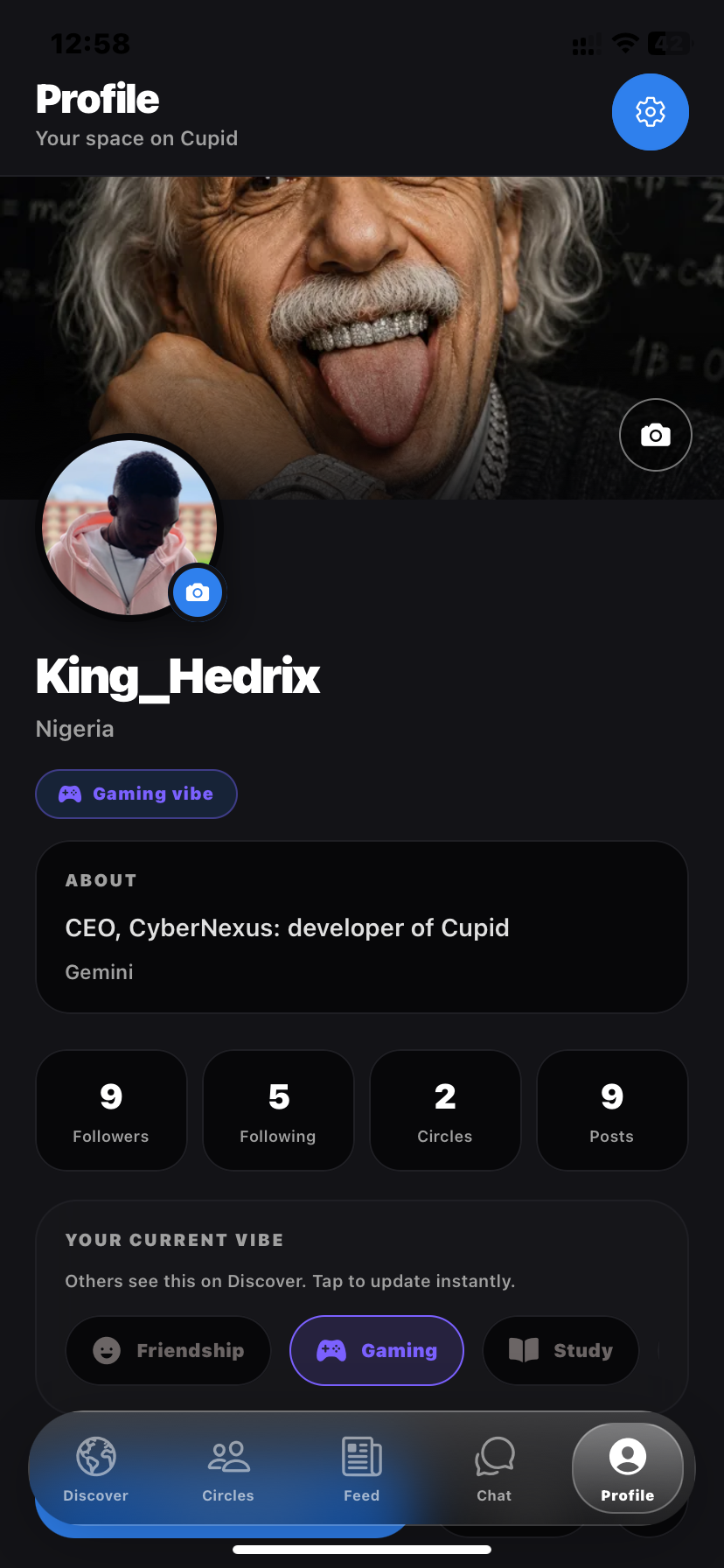
Set what you’re open to right now — friendship, gaming, study, chat — so discovery matches the moment.
Photos, bio, and context that help people know who you are before they message.
Hide last seen, leave discovery, block and report. You’re in control of who can find you.
Product
Discover people, manage your profile, and join circles — all in one place.
Getting started
Create a profile, set your vibe, and start meeting people who actually fit.
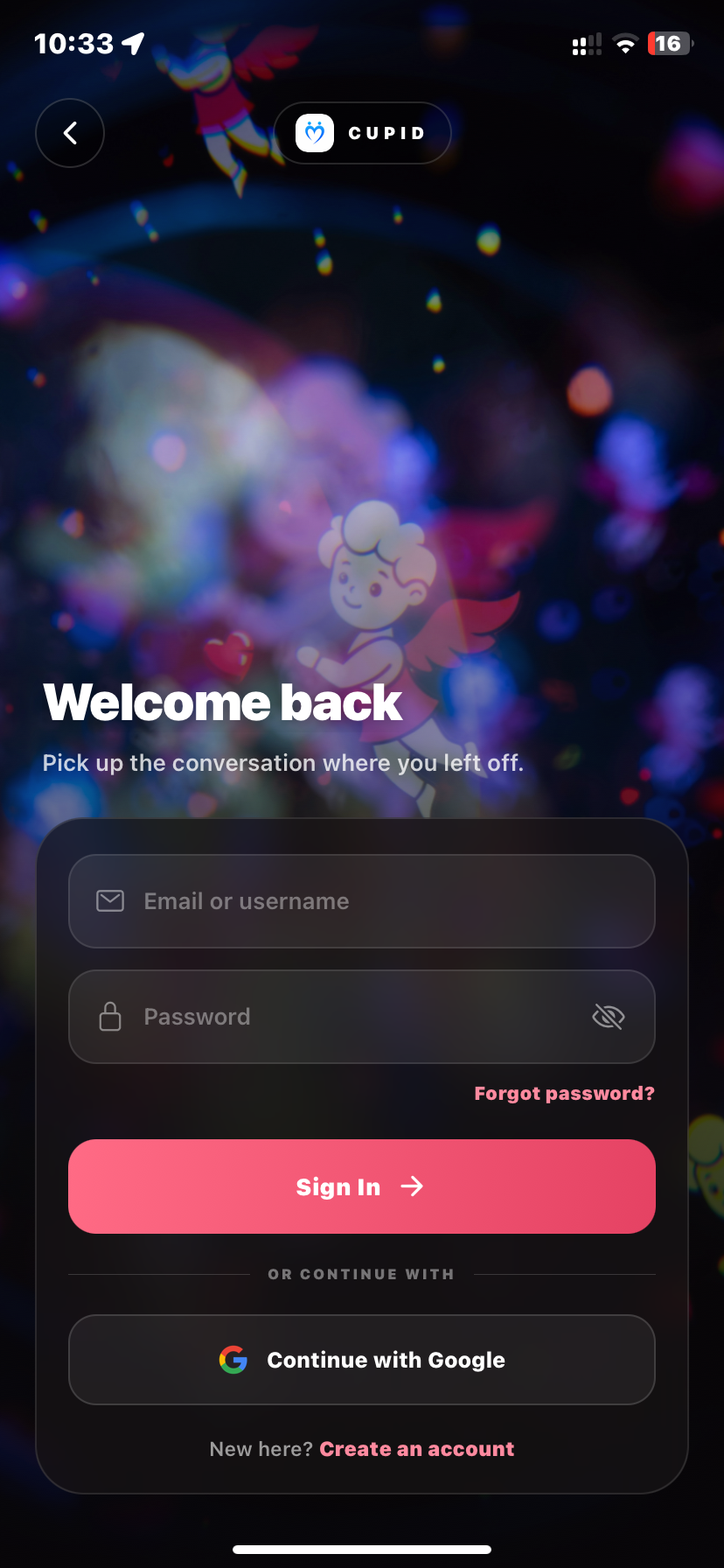
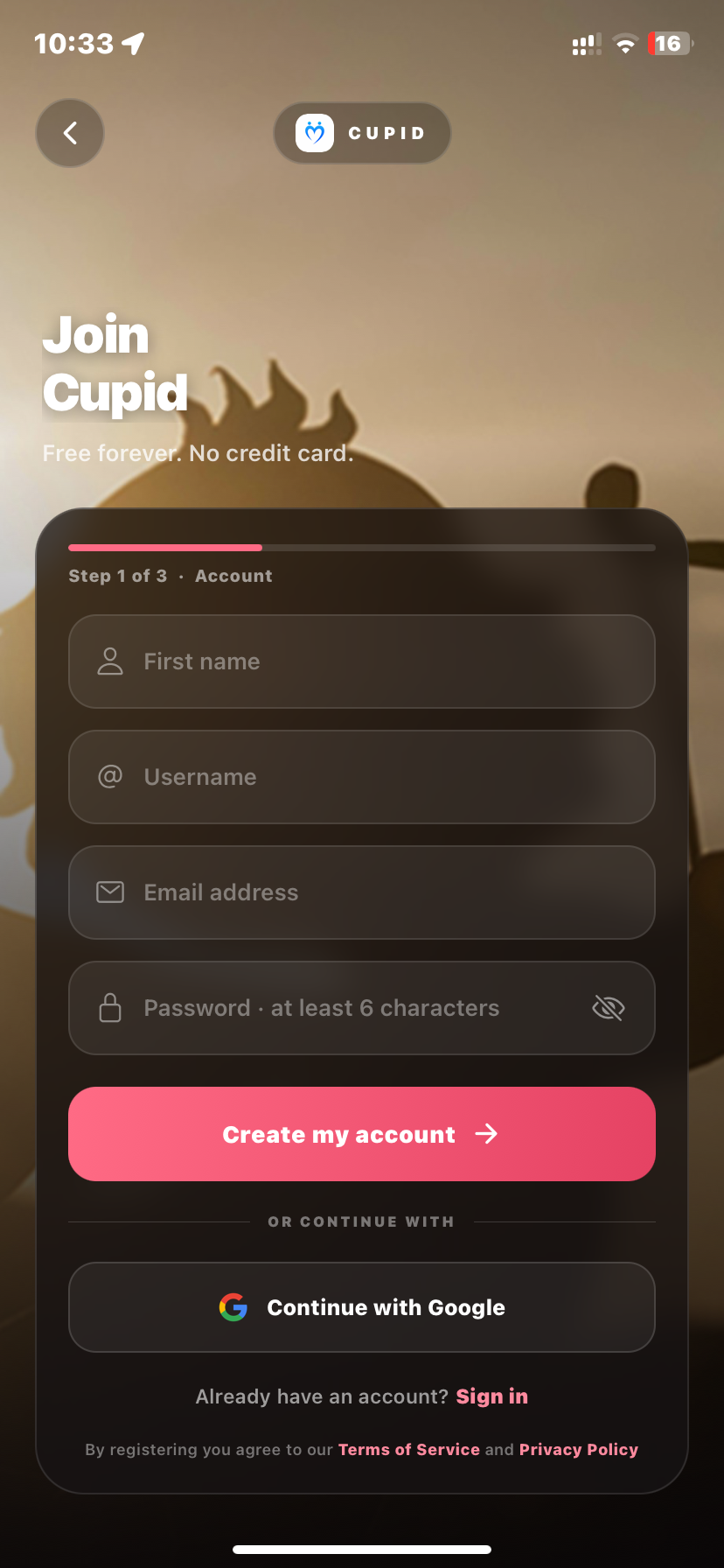
Sign up, add photos, and set what you’re looking for — friendship, gaming, study, or more.
Browse Discover, join circles around your interests, and follow the feed.
Send a spark, accept connections, and move into real conversation when it feels right.
iOS Web App
Add Cupid to your home screen to use it like a native app — with full screen mode and push notifications.
Open the web app using Safari on your iPhone.
Tap the Share icon at the bottom of the screen.
Scroll down and tap Add to Home Screen
Fast, secure, and doesn't take up much space.
Download the Android build or try on iPhone via Expo Go. Free, no store listing required.
Android 6.0+ · iOS via Expo Go · Free · Early access
Note: Browser warnings on APK downloads are normal outside the Play Store.